Your Nabi, on the big screen.
Nabi on your computer. Clear what's waiting, see what's working, edit your cards and run your whole team.
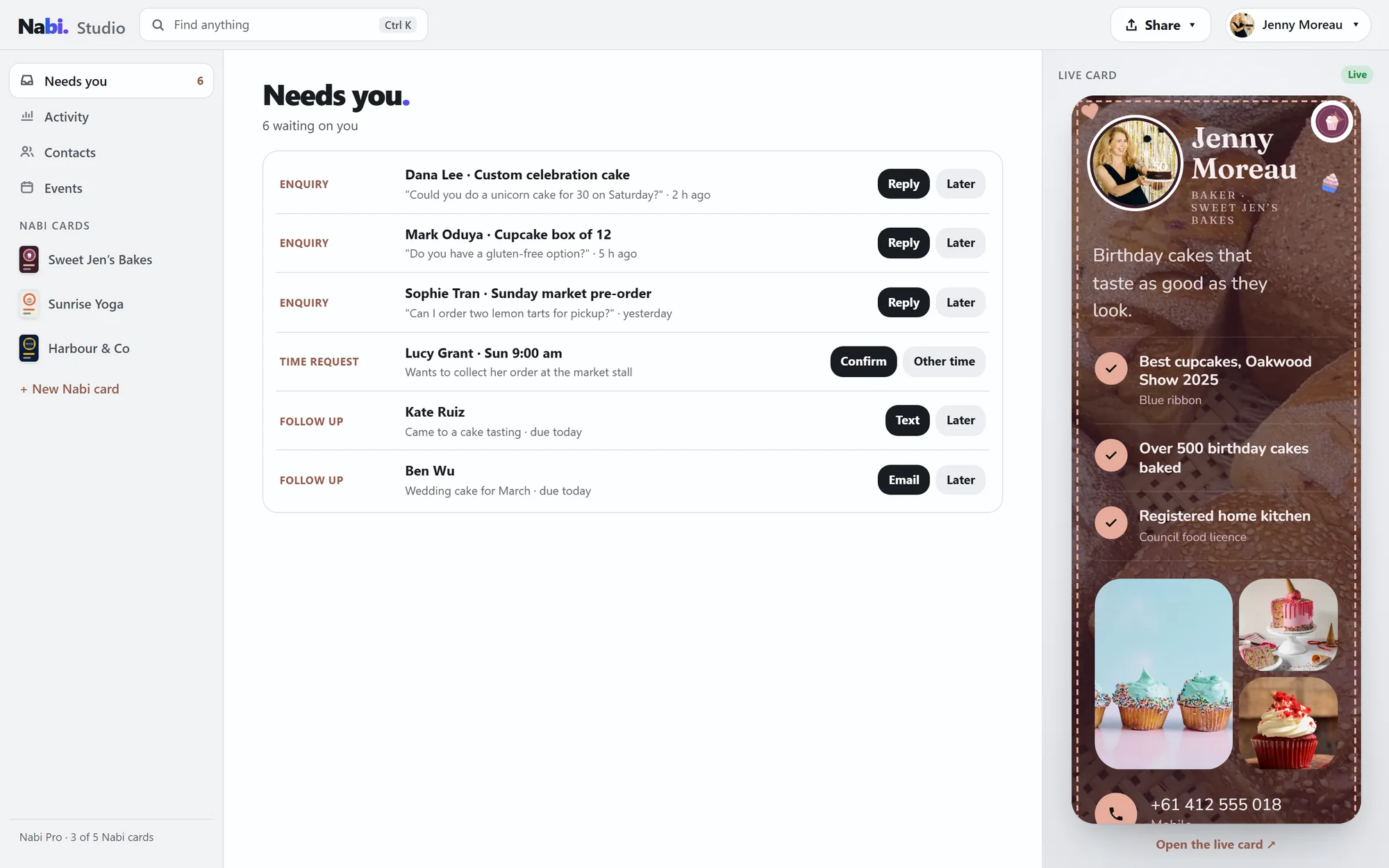
Jenny's Tuesday, in one window.
Jenny bakes, does the books for small businesses and teaches sunrise yoga. Her day in Studio, from first coffee to Saturday's market.
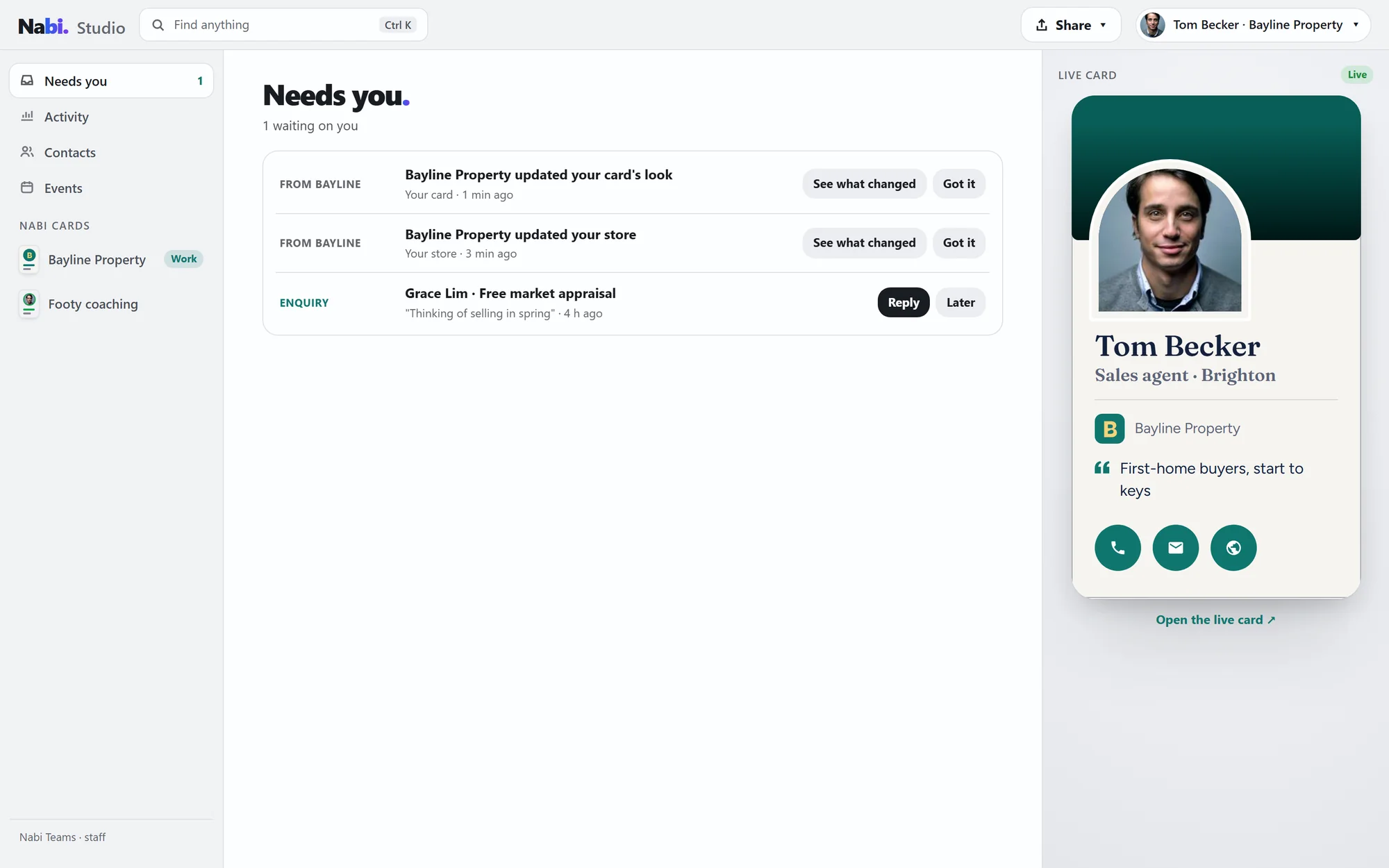
Everything waiting on her, in one list: enquiries, a time request and two follow-ups due today. Reply, confirm, text or email, right from the row.
"6 waiting on you"Ctrl K, then a word. Every Nabi card, offer and person she has, before she's finished typing.
"Find anything"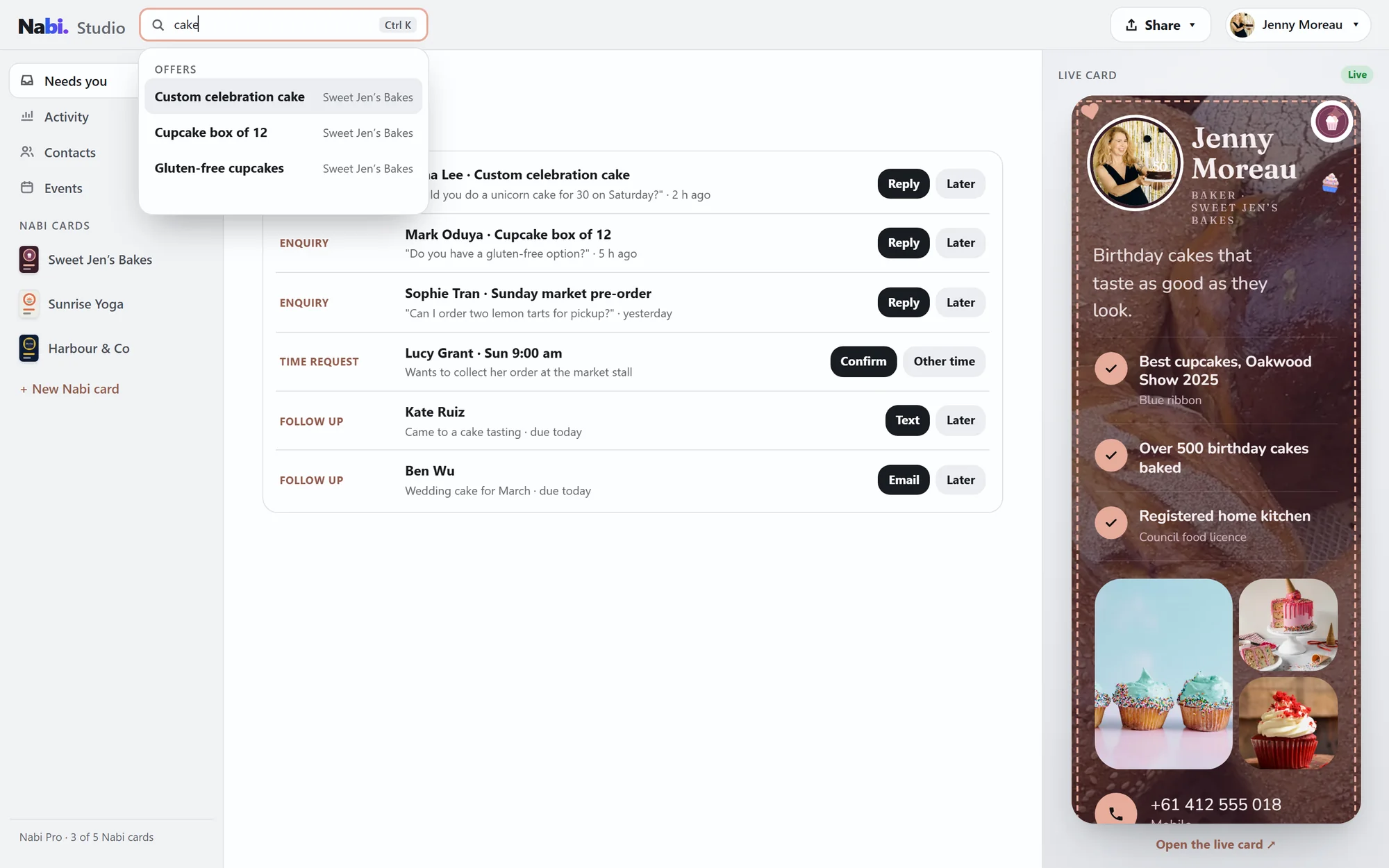
Thirty days across all three cards: opened, asked and booked, where people came from, and a plain verdict for every offer with one next step.
"Working · Keep it first on the page"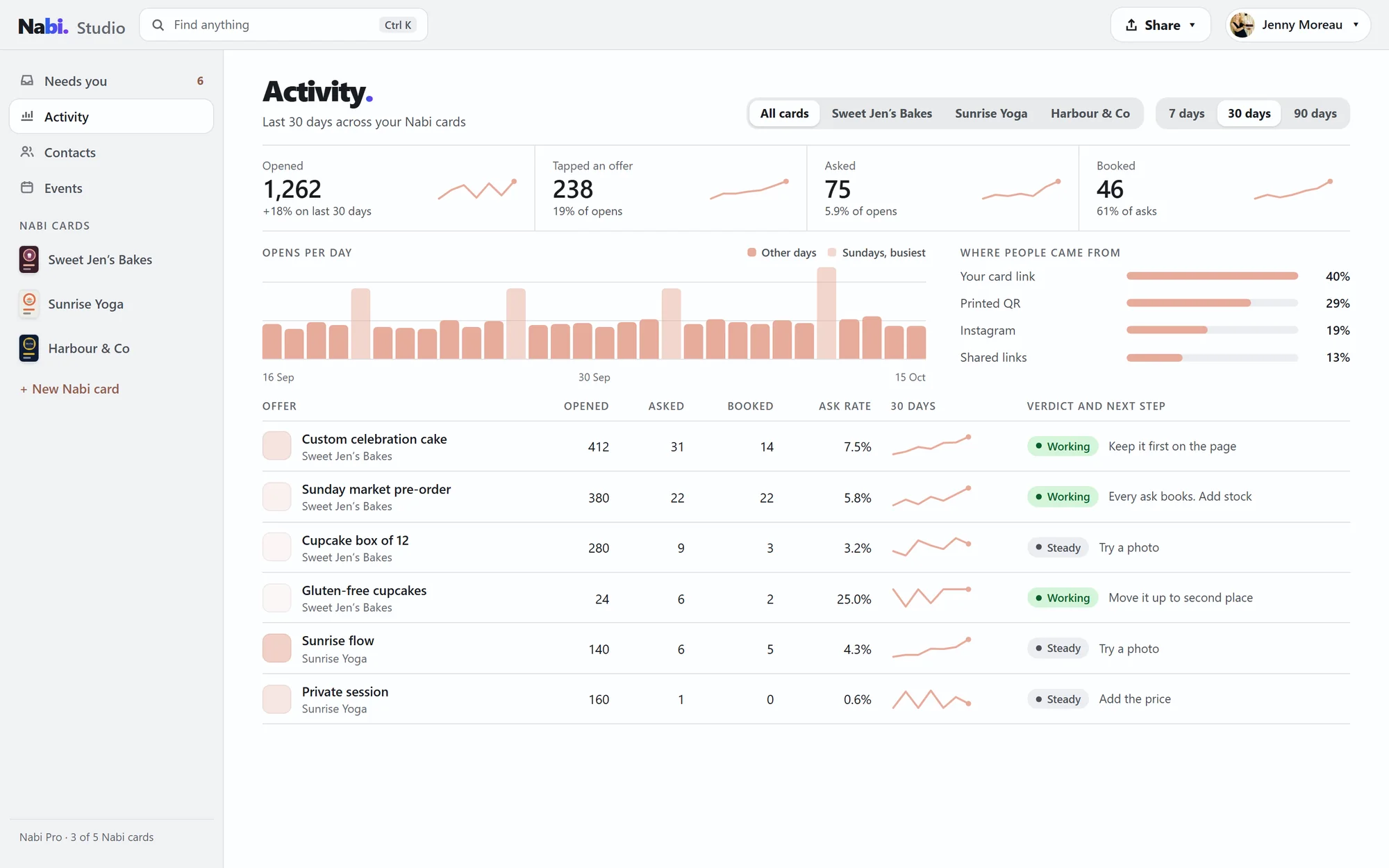
Everyone she's met, hot to cold, with what they asked and where they met. The next step sits on top: reply about the custom cake.
"Next step · due today"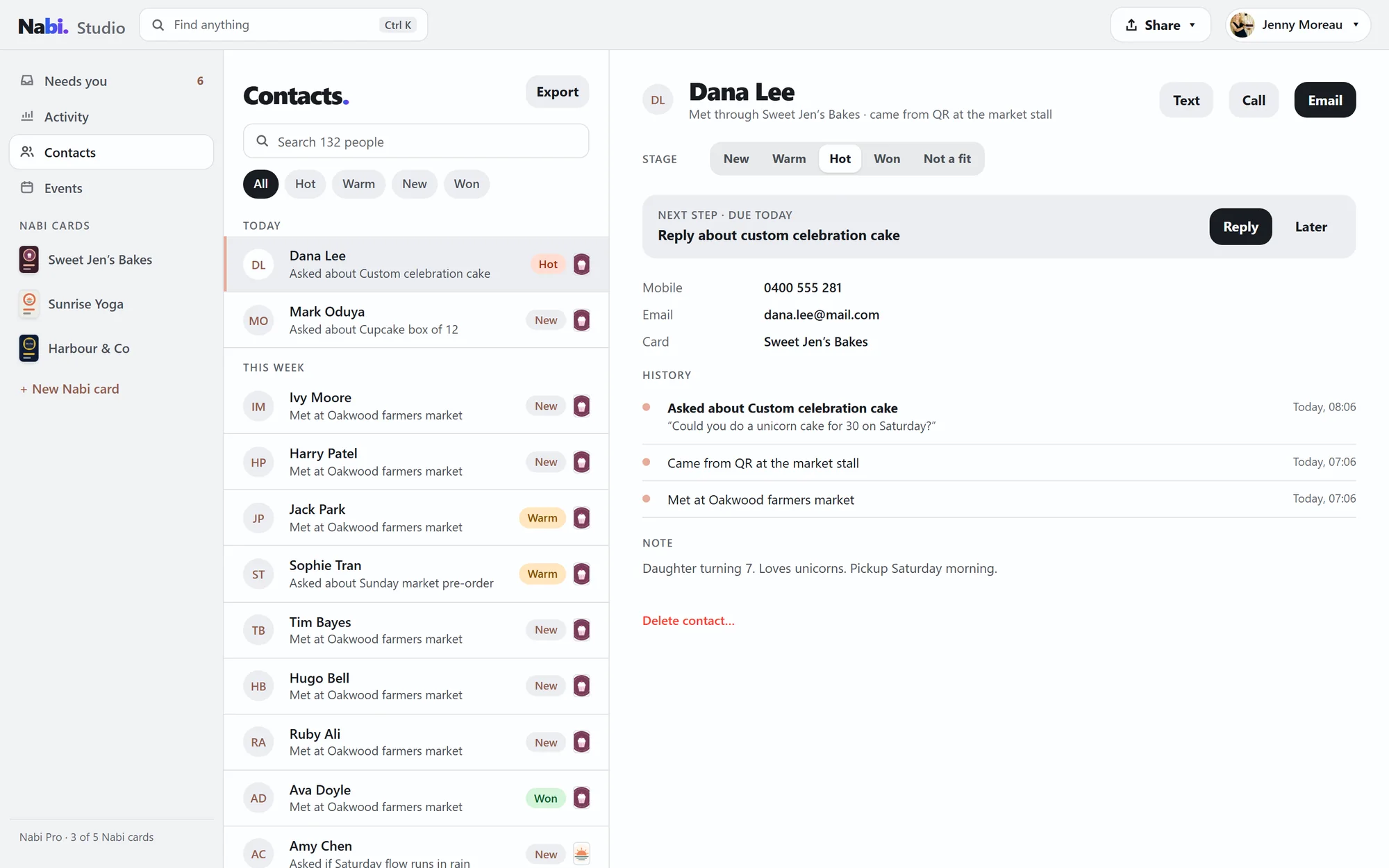
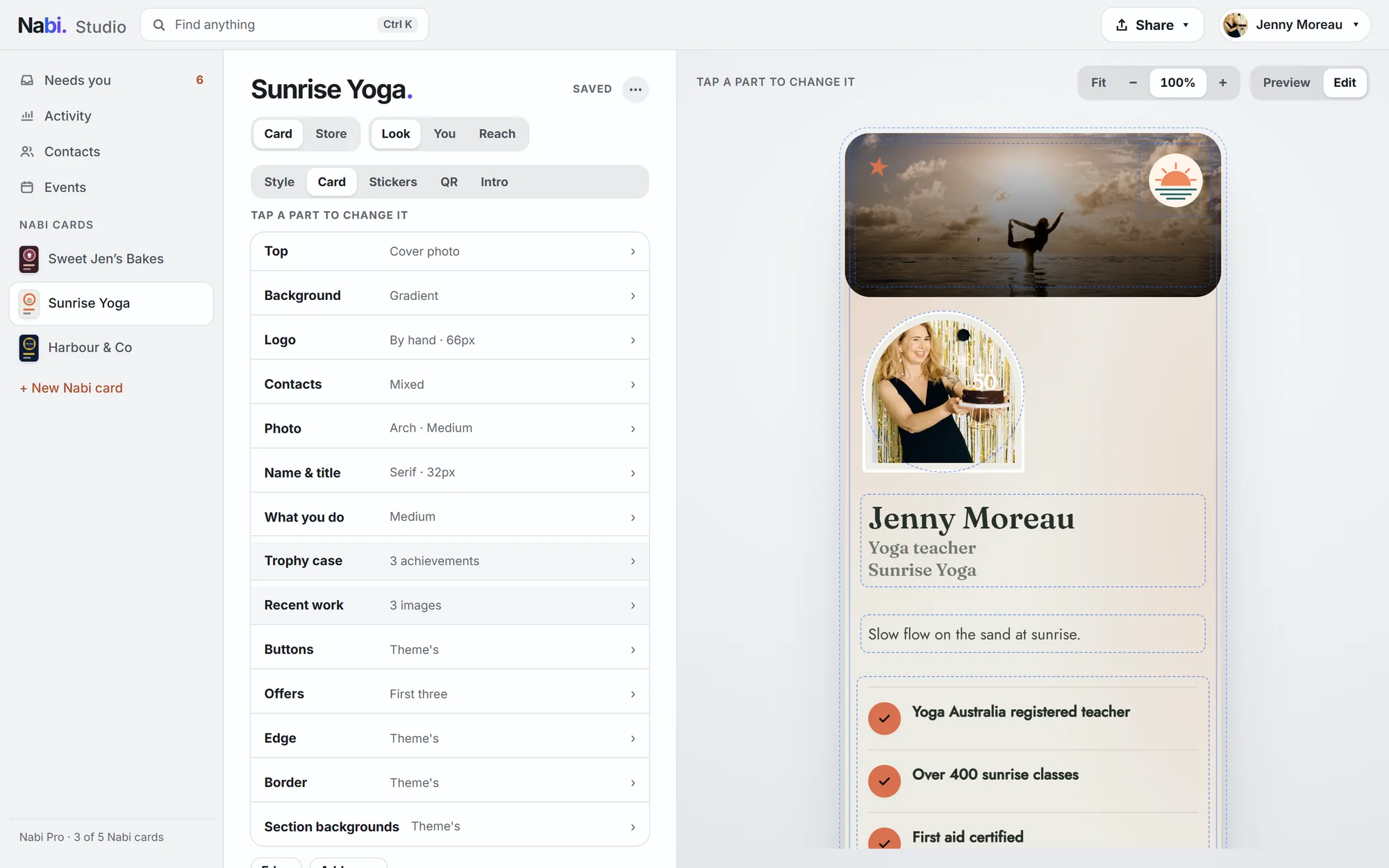
Her live card, full size. Tap any part to change it; the settings open beside it and save as she goes.
"Tap a part to change it"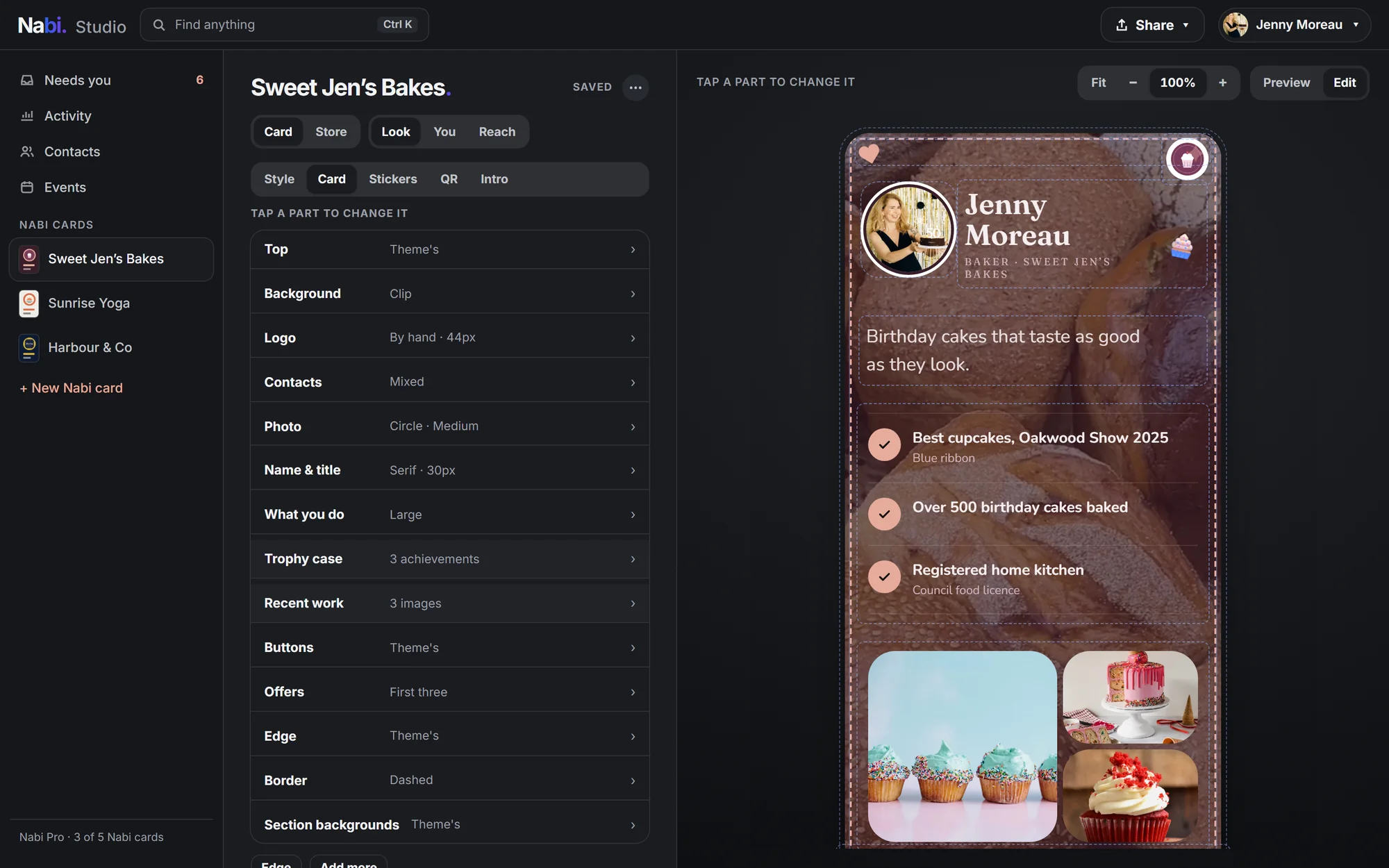
The storefront, as customers see it. Tap a block to change it: the headline, the featured cake, bookings, questions.
"Tap a block to change it"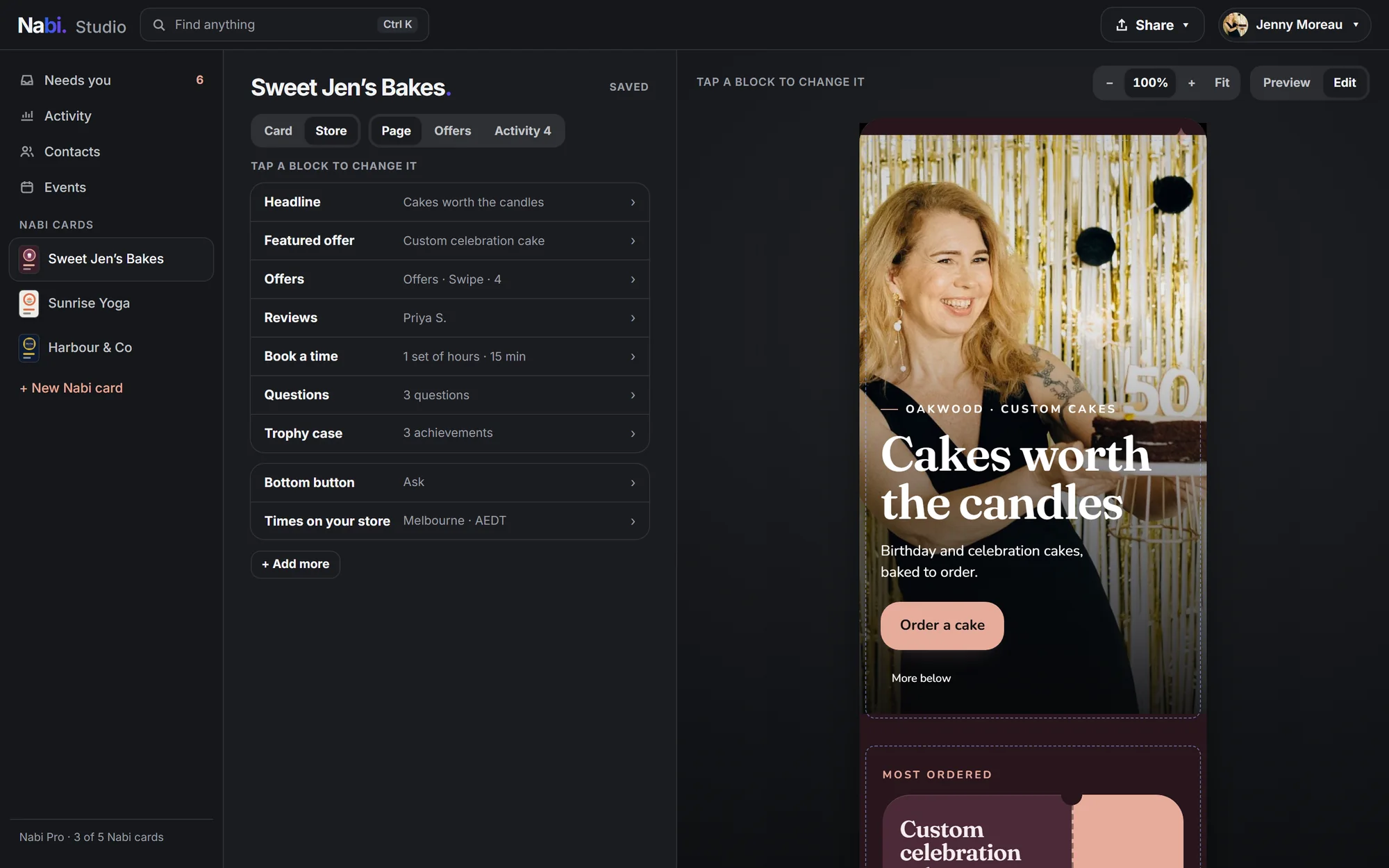
The Oakwood farmers market: 46 people met, 17 warm or hot, 12 still to follow up, and the stall's own code to show or print.
"Show QR"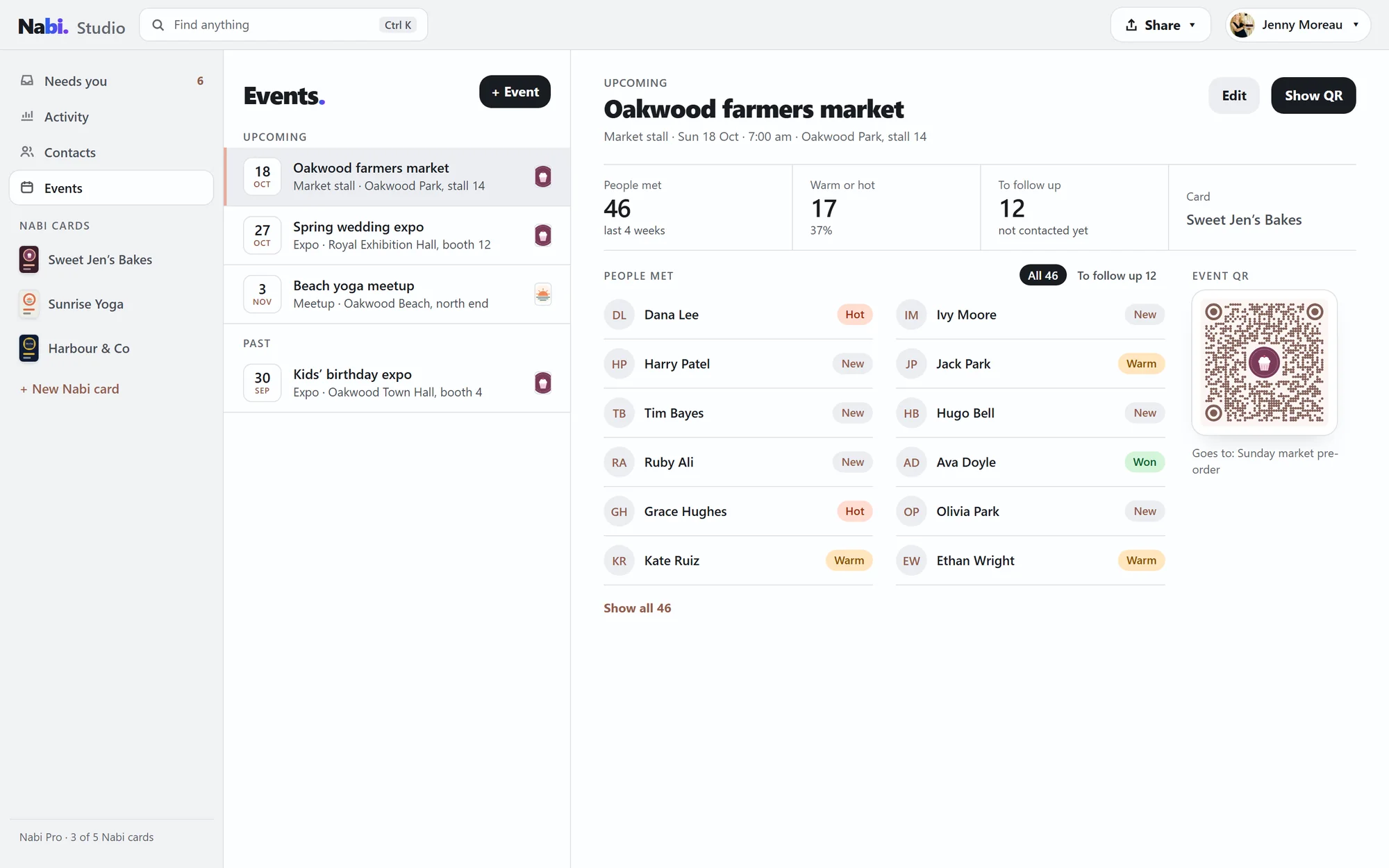
Her code as big as the screen, propped on the stall. People scan it and save her. The screen stays awake.
"Scan to save Jenny's details."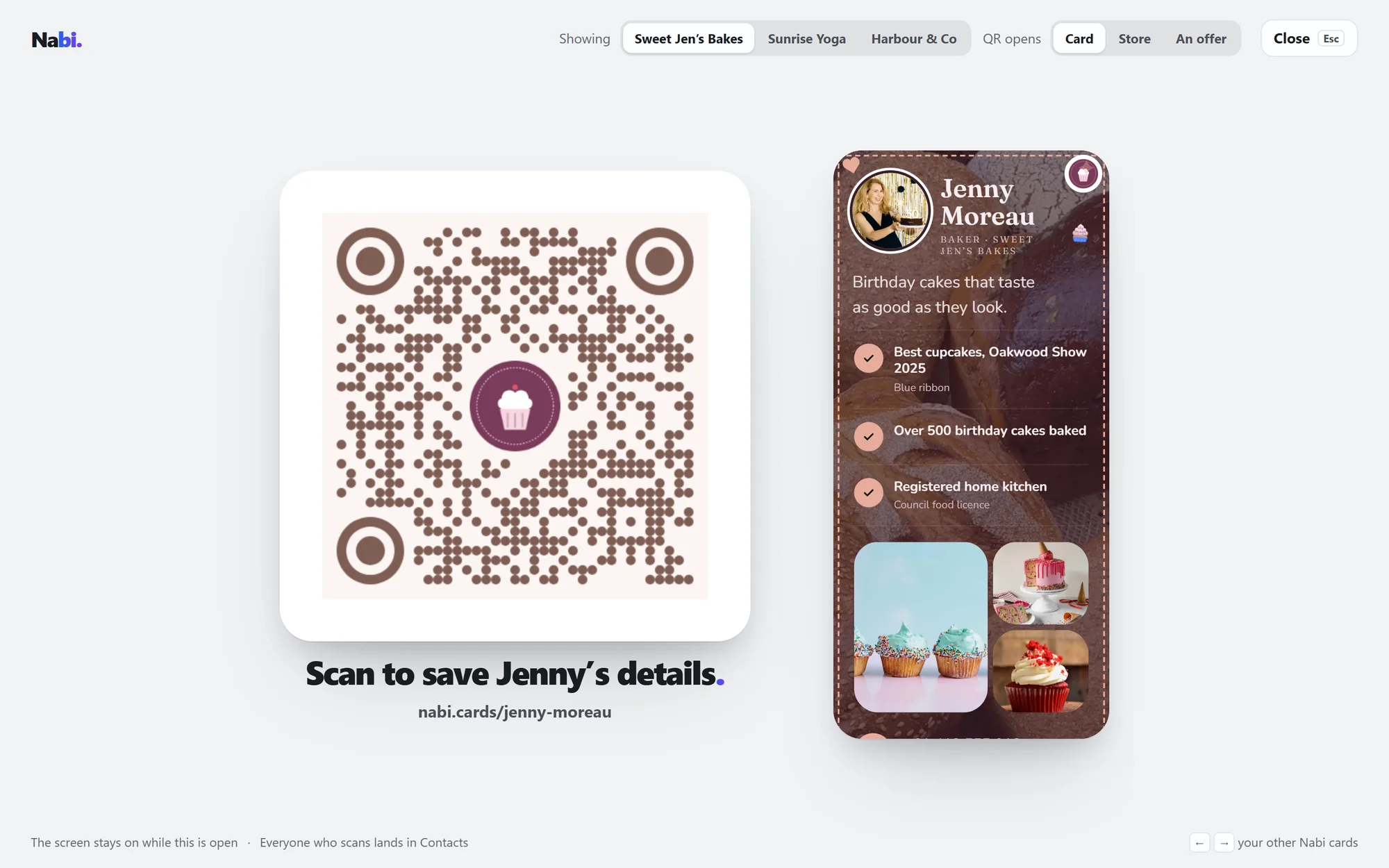
A calm room, in your card's colour.
Studio is one quiet grey, whichever card you're on, so your card is the only colour in the room. Its colour comes with you, on the links and counts.
 Sweet Jen's Bakes
Needs you, in the grey room. Her links and counts take her card's rose.
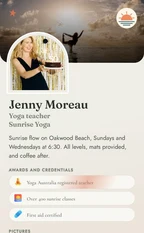 Sunrise Yoga
A light card keeps the room light while she edits it. The terracotta comes along.
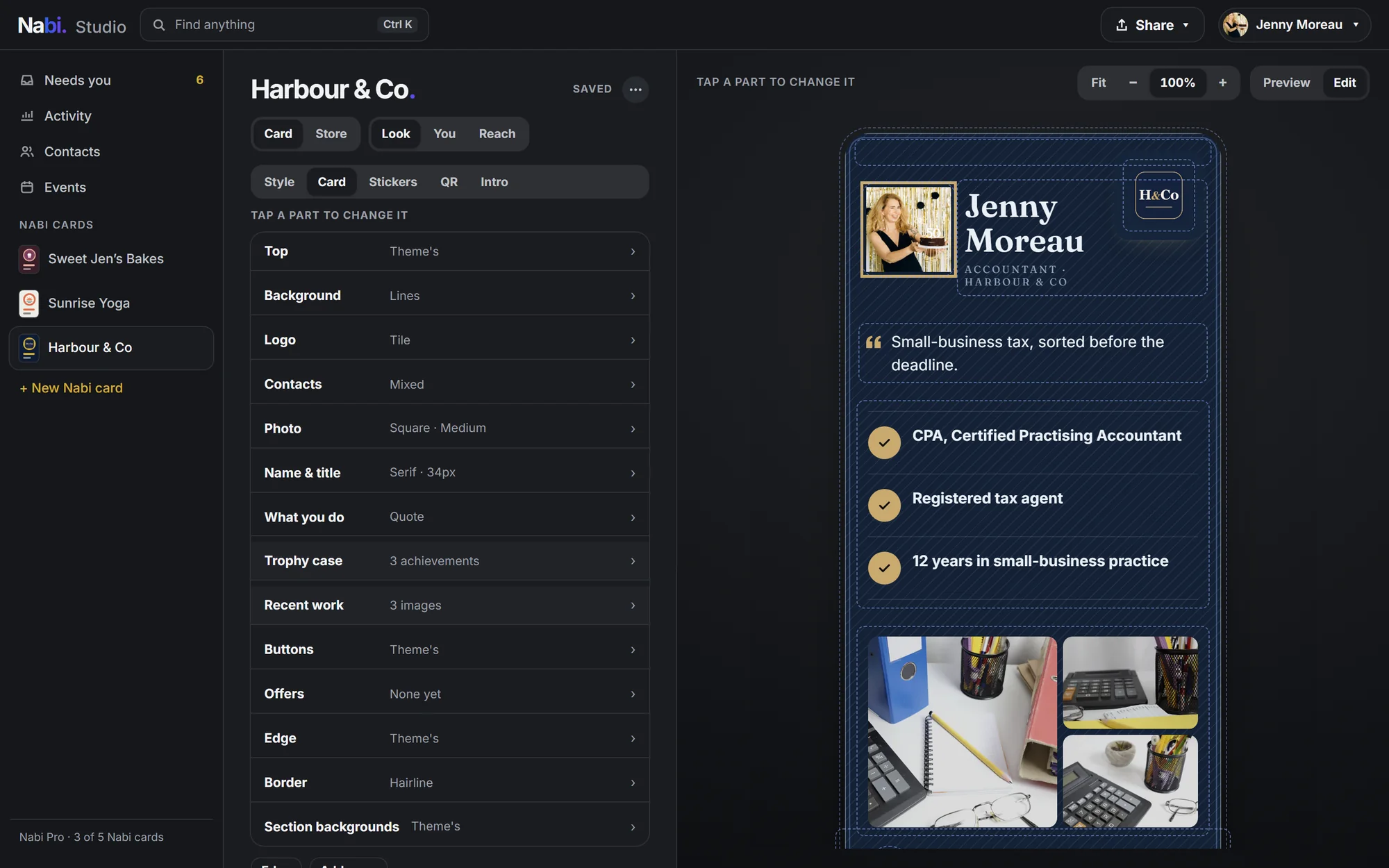
 Harbour & Co
Her accounting card is navy, so the room goes dark while she edits it. The gold comes along.
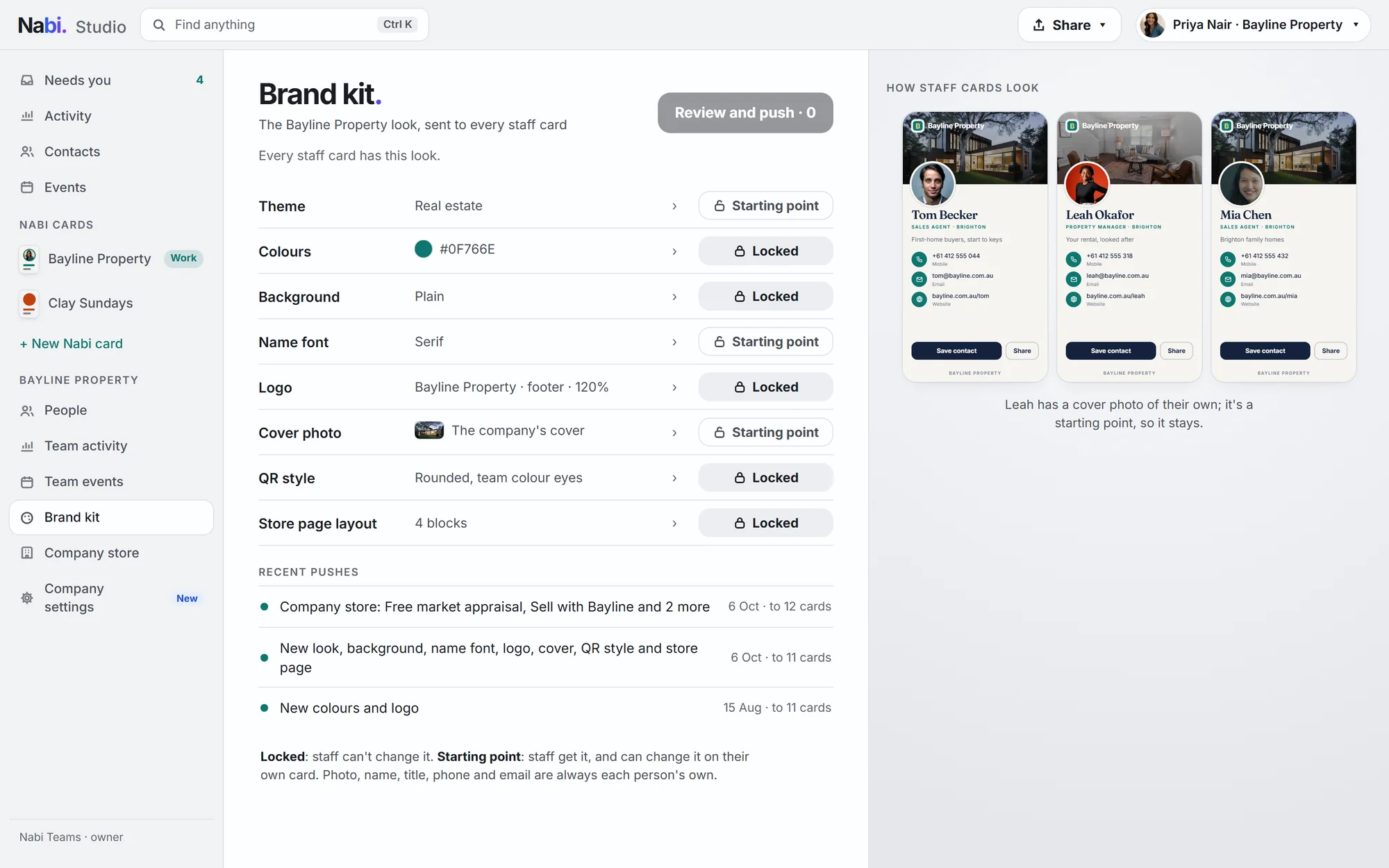
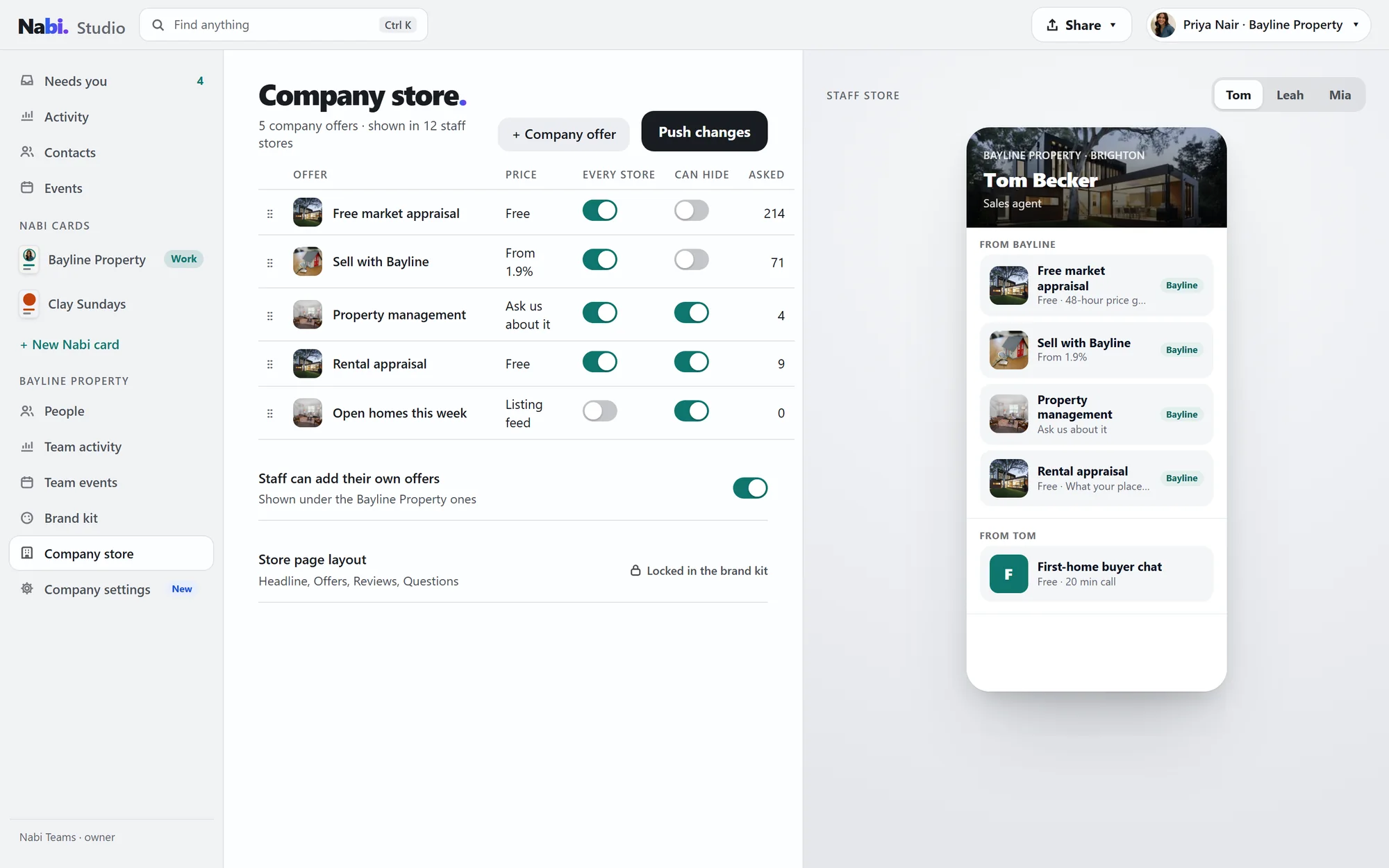
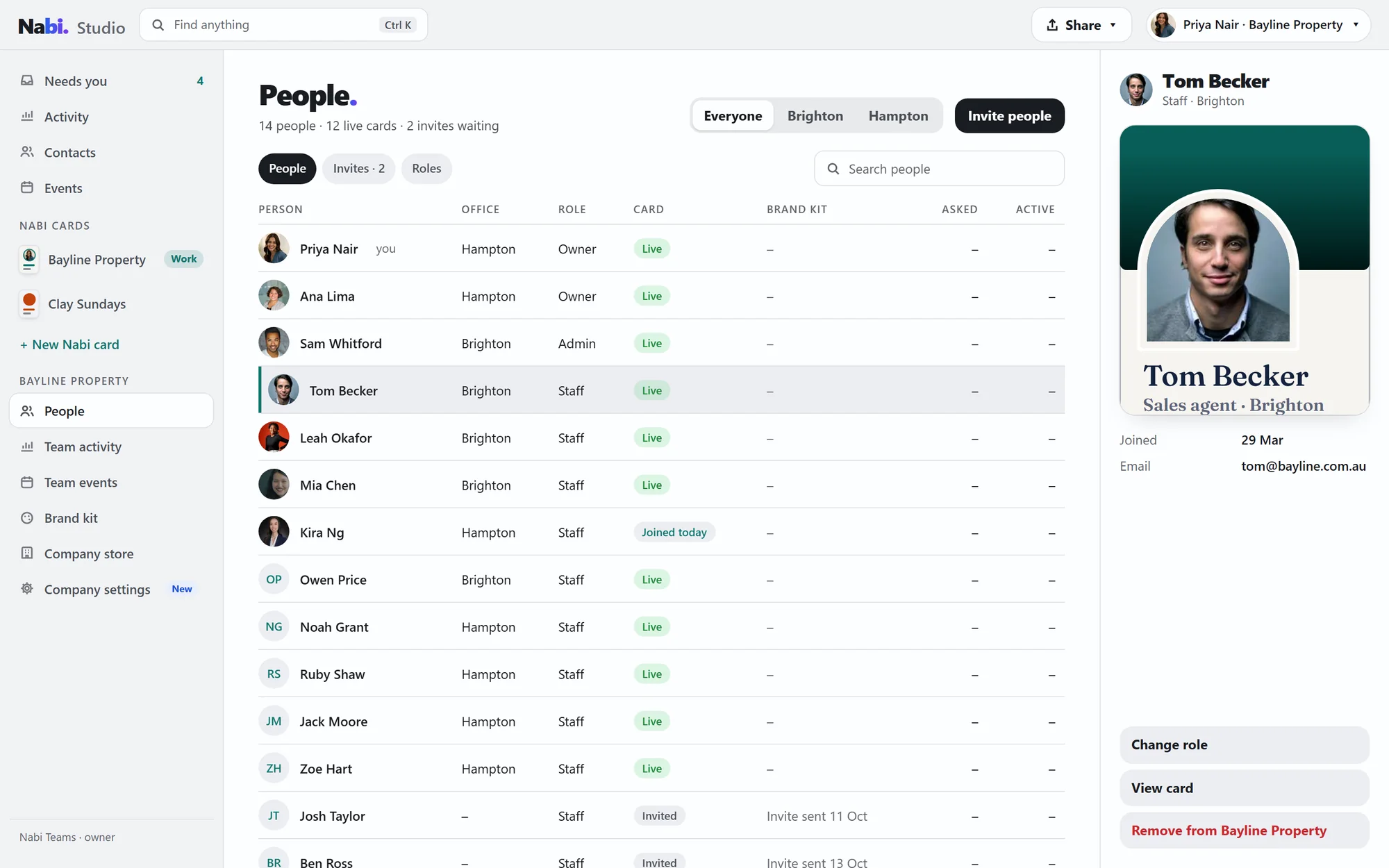
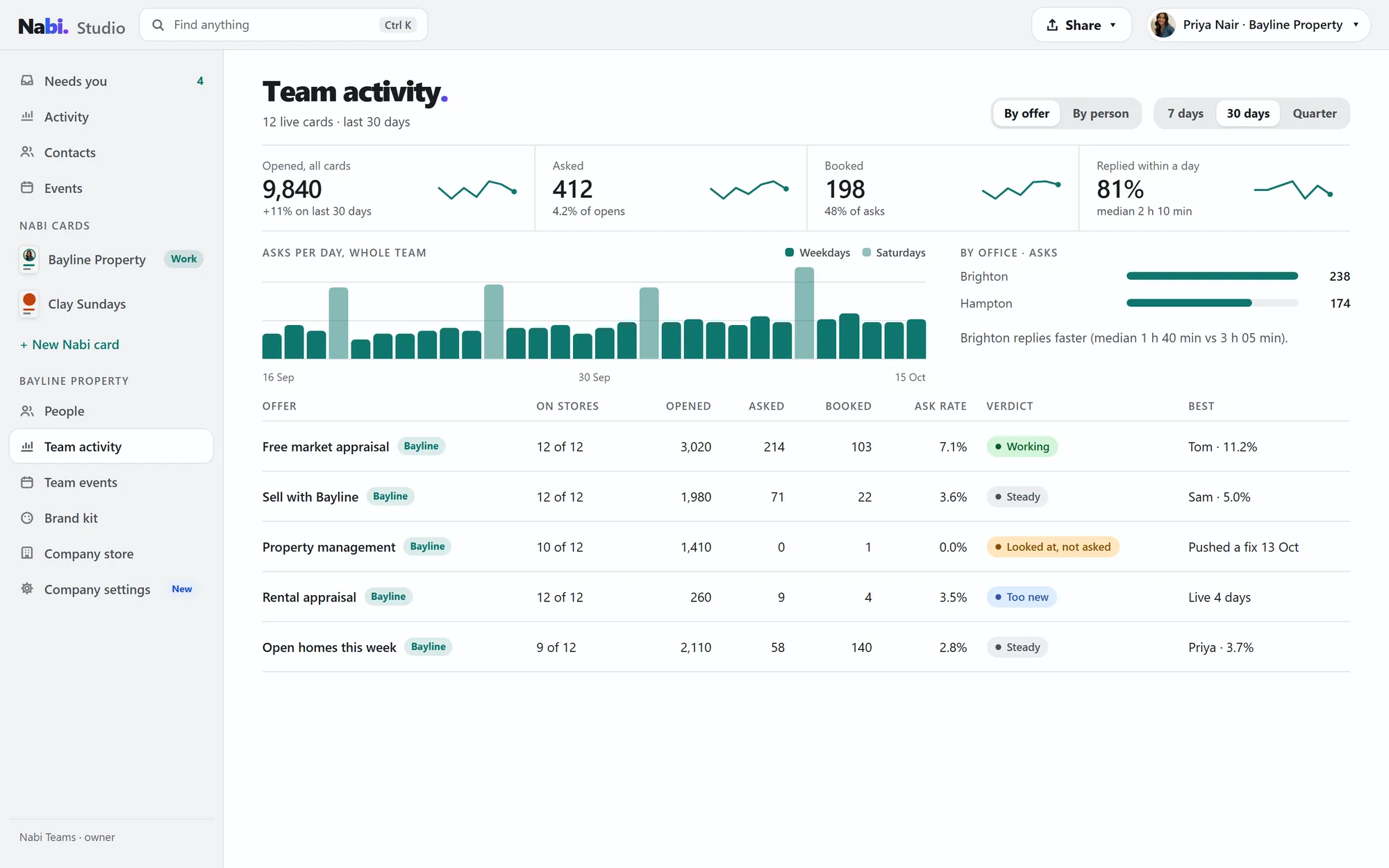
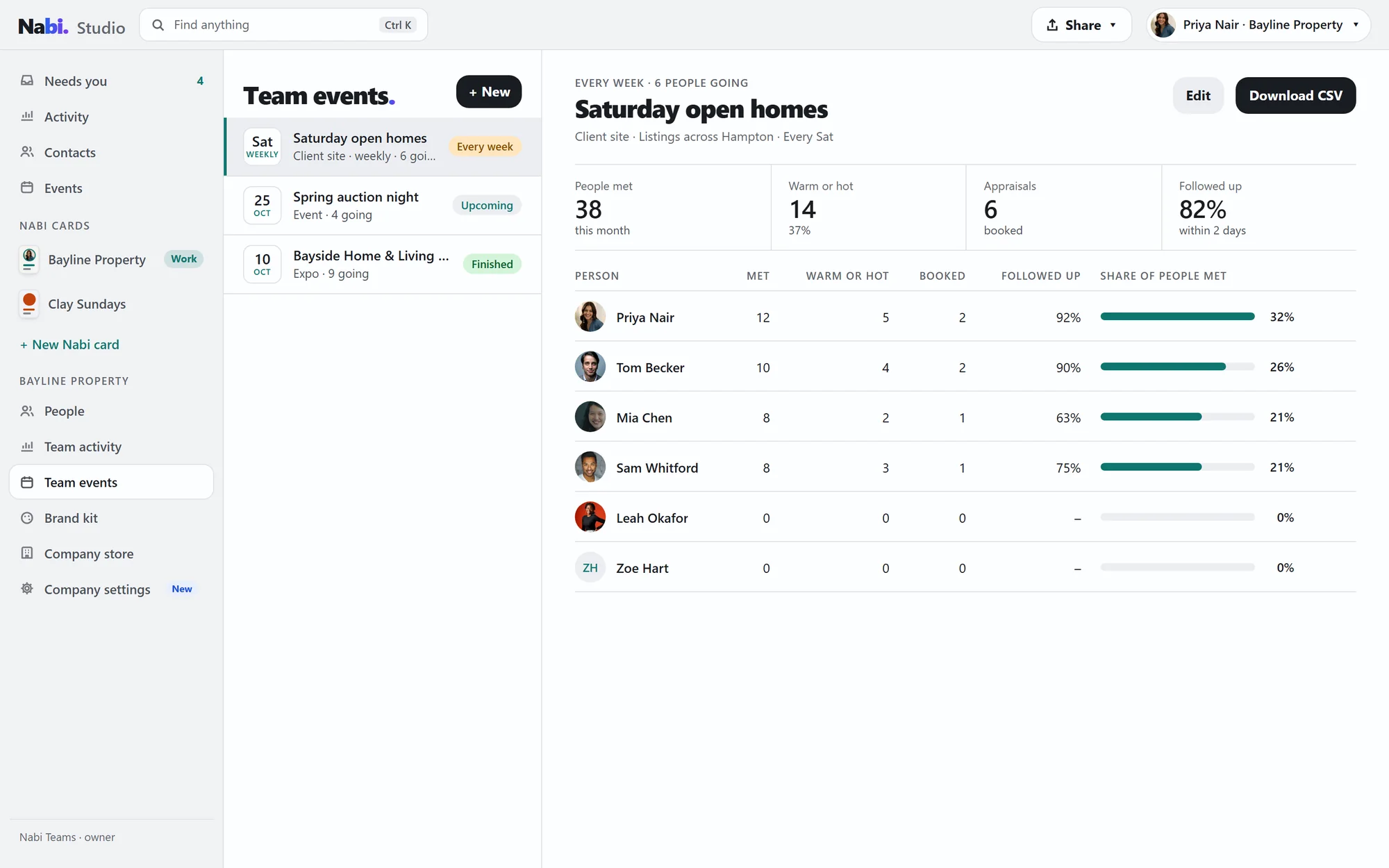
Priya runs Bayline from here.
Company admins get five more pages in Studio. Staff stay in the Nabi app on their phones, and their work cards keep up.
Questions.
Does Studio cost extra?
No. Studio comes with every Nabi plan.
Do I need to install anything?
No. Studio runs in your browser at studio.nabi.cards. Sign in with the Nabi account you already have.
What do I need?
A computer with a window at least 1100 pixels wide. On anything smaller, use the Nabi app.
Is it the same as the app?
Same account, same Nabi cards, same contacts. Change something in Studio and it's on your phone too. Anything without its own Studio page opens just as it looks in the app, beside your live card.
Can my staff use it?
Yes. Staff see their own work card, contacts and events. Owners and admins also get the brand kit, company store, people, team activity and team events.
Pull up a chair.
Open Nabi Studio on your computer and sign in. Your cards, contacts and events are already waiting.